Shop is live

We build Workstation AI machines for websites, AI agents, and LLM training — configure and buy online.

Get Trade Prices
AI Products
AI LabsOpenAI AgentsClaude AgentsGrok BotWorkstation AI native CRMMarketingAll Products
AI Solutions
Applied AIAI AgentsGenerative AIAI AutomationAI UpskillingAI SME PackagesEnterprise AI LabAI WorkstationsNVIDIA Hardware & SoftwareNVIDIA Accelerated ComputingPrivate AIGPU ClustersEdge AIAI by Industry
AI Services
Platform ModernisationDigital EngineeringData Foundations & AIAutonomous OperationsAI ConsultancyDevOps AutomationCyber SecuritySoftware DevelopmentAgent BuildingMLOps SetupGPU Leasing
About Us
CompanyOur StoryPartnersCustomer Stories
AI Data Centres
AI InsightsJev seriesBenchmark LabModel selection
Technical Notes
Documentation
Linux OSUbuntuRed Hat Enterprise LinuxSUSE LinuxAlpine LinuxDebian, Rocky & AlmaLinux
AI Cloud PlatformsAWS & Amazon BedrockGoogle Cloud & Vertex AIMicrosoft Azure & AI FoundryGPU clouds & marketplaces
Private AI Data CentresFor law firmsFor accounting firmsOn-premises platformsFully secured cloud
ToolsRing PromoterJobshout
News
Blog
Contact UsSign in

AI workstations, AI Multi Agentic Software, GPU infrastructure, and intelligent agent solutions for modern businesses.

Contact Us

AI Solutions

Applied AIAI AgentsGenerative AIAI AutomationAI UpskillingAI SME PackagesEnterprise AI LabAI by Industry

Products

All ProductsWorkstation AI native CRM & ERPMarketingOpenAI AgentsRing PromoterJobshout

Company

About UsCompanyAI Data CentresWhy WorkstationPartnersCustomer StoriesPricingContactTenthMatrix

Resources

AI InsightsTechnical NotesDocumentationLinux OSAI Cloud PlatformsPrivate AI Data CentresBlogSearchSitemap
UK Office
77-79 Marlowes, Hemel Hempstead HP1 1LFDirections - Take Junction 20 off M25 Outer LondonCompany No: 11641870Mon - Fri: 9:00 AM - 6:00 PM GMT
+44 7515 356 146
Belgium Office
Workstation SRL, Rue Vanderkindere 34, 1180 Uccle, BrusselsBE 0751.518.683Mon - Fri: 9:00 AM - 6:00 PM CET
+32 492 45 67 46
India Office
#159 Sector 9, Pocket 1, DDA Flats, 110077 Dwarka, New Delhi
+91 98881 98841

© 2026 Workstation AI. All rights reserved.

PrivacyData DeletionCookiesTerms of ServiceWebsite Sitemap

NVIDIA, the NVIDIA logo, RTX, RTX PRO, Blackwell, CUDA, NVLink, MGX, Omniverse, Spectrum-X, Quantum, BlueField, DGX and HGX are trademarks and/or registered trademarks of NVIDIA Corporation in the US and other countries. AMD, the AMD Arrow logo, EPYC, Instinct, Ryzen and Threadripper are trademarks of Advanced Micro Devices, Inc. Dell and PowerEdge are trademarks of Dell Inc. or its subsidiaries. Intel and Xeon are trademarks of Intel Corporation or its subsidiaries. AMAX, AceleMax and LiquidMax are trademarks of AMAX Engineering Corporation. All other product names, logos and brands are the property of their respective owners. We use them only to identify the products we describe, supply or support; their use does not mean their owners endorse us.

Home / Technical Notes / Technology
DatabaseKubernetesDevOps

NebulaCB: Enterprise Couchbase Mission Control That Saves the Day

Open-source upgrades, XDCR validation, Kubernetes operator integration, and local AI with Ollama

April 12, 2026Technology1 min read

NebulaCB (nebulacb.org) is the open-source Couchbase migration and upgrade mission-control platform from github.com/balinderwalia/nebulacb. The cmd/nebulacb binary loads config.json, can auto-manage kubectl port-forward sessions when a kubeconfig is present, connects clusters through a shared Couchbase client pool, and composes Storm (load), XDCR, validation, Helm-driven upgrades, multi-cluster monitoring (polls about every two seconds), backups, failover, migration, multi-region helpers, optional Docker and AI analyzers, then serves WebSocket + REST from one process.

Architecture diagrams (from upstream sources)

NebulaCB core modules: API, Storm, XDCR, Validator, Orchestrator, Monitor, and Couchbase clusters

NebulaCB React UI: Cockpit, Dashboard, Ask AI, RCA, Knowledge, and related tabs

NebulaCB end-to-end topology: server, dashboard, CLI, k3s Couchbase clusters, XDCR

Enterprise benefits

  • Rolling upgrades with control: Helm-based orchestration with pause, resume, abort, rollback, CouchbaseCluster CR image patching, and node-by-node progress.
  • XDCR visibility: Bidirectional replication monitoring, pipeline controls, lag and topology insight, and GOXDCR delay awareness.
  • Data integrity proof: Document-count timelines, SHA-256 hash sampling, sequence-gap detection, and full audits on demand.
  • Production-like testing: Storm load generator with configurable rates, bursts, and hot keys; latency percentiles for drill confidence.
  • Resilience and lifecycle: Auto-failover configuration, backup and restore with retention, and migration with post-run validation.
  • AI: Ask AI and structured RCA with Ollama on-premises or other providers via configuration.

Automation surface: bin/nebulacb-cli mirrors the dashboard for load, upgrades, XDCR, audits, chaos drills, and reports over /api/v1. For step-by-step narratives, CLI tables, and API notes, read the Workstation documentation blog: NebulaCB enterprise guide.
Share this article

More in Technology

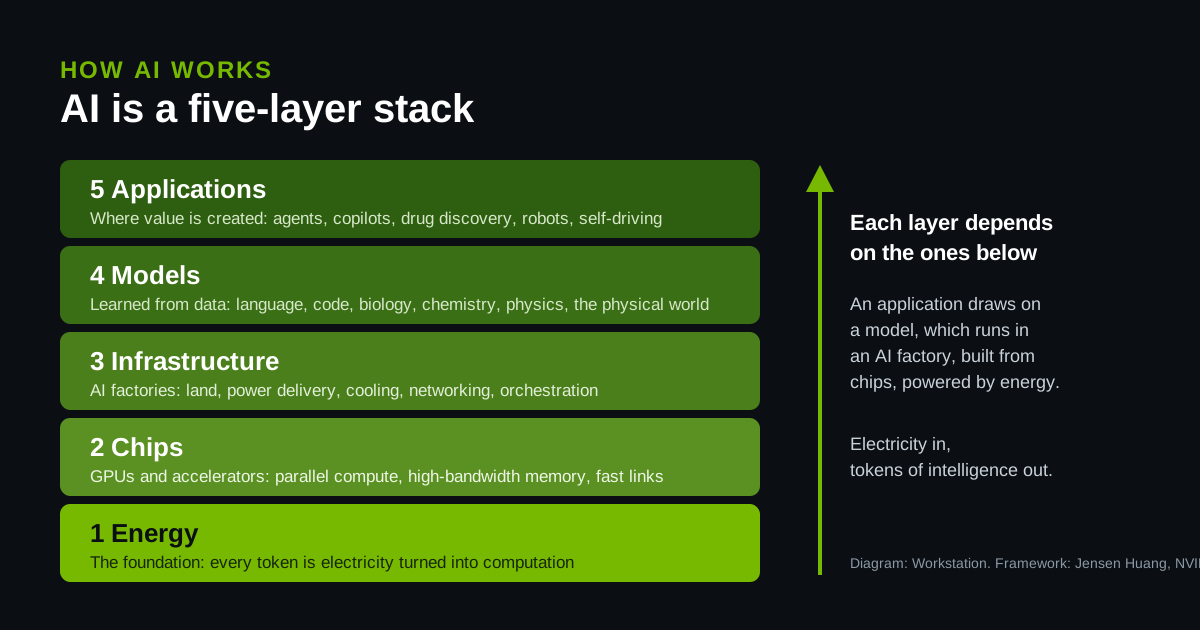
AI Is a Five-Layer Cake: What AI Is, How It Works and Why Every Layer Matters

AI Is a Five-Layer Cake: What AI Is, How It Works and Why Every Layer Matters

Jensen Huang's framework explained: energy, chips, infrastructure, models and applications, how each layer depends on the ones below, and what it means for your business.

Read more
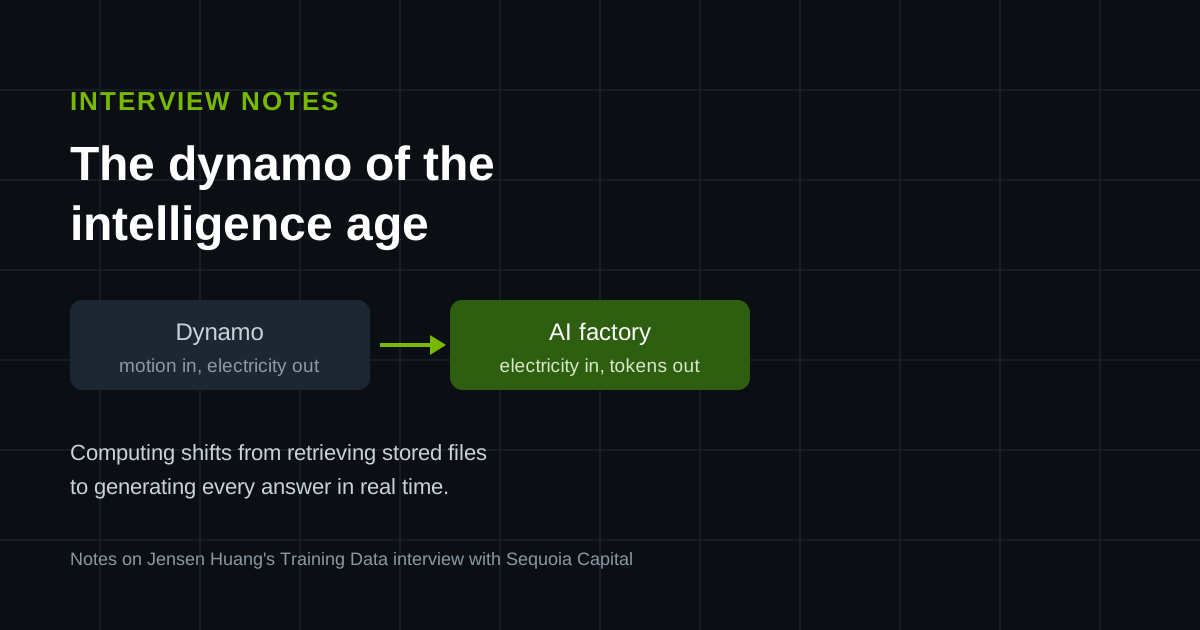
Jensen Huang on Building the Dynamo of the Intelligence Age: AI Factories, Tokens and Jobs

Jensen Huang on Building the Dynamo of the Intelligence Age: AI Factories, Tokens and Jobs

Notes on NVIDIA founder Jensen Huang's Sequoia Capital interview: why computing is moving from retrieval to generation, why AI factories are this era's dynamos, and why AI changes tasks rather than erasing jobs.

Read more
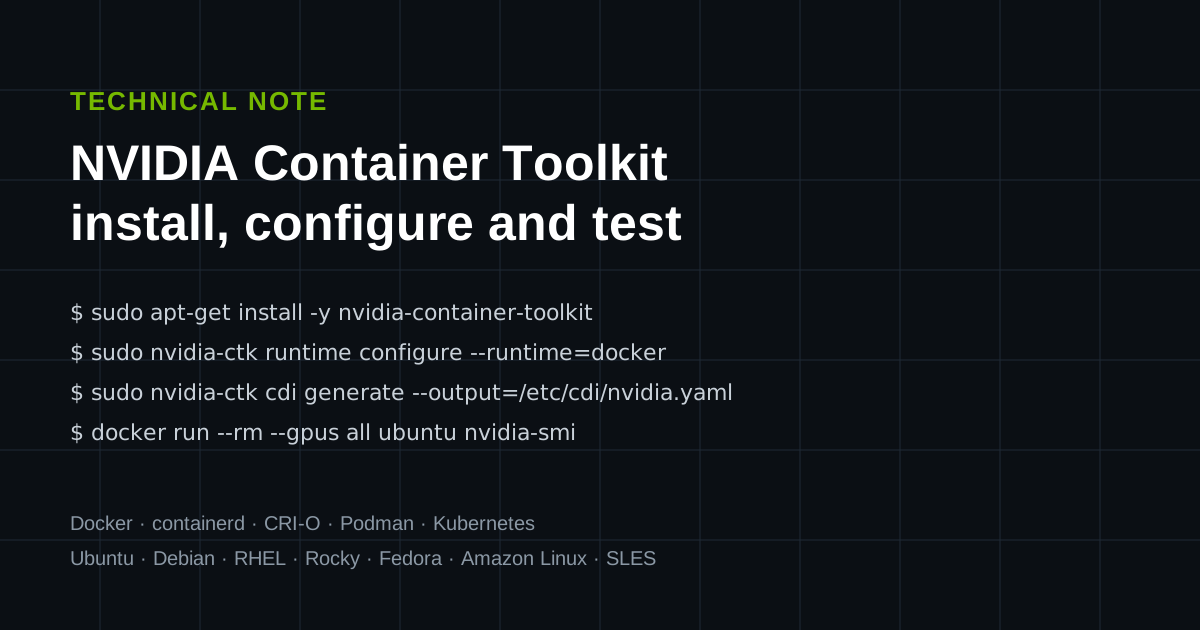
Installing the NVIDIA Container Toolkit: Docker, containerd, CRI-O, Podman and Kubernetes

Installing the NVIDIA Container Toolkit: Docker, containerd, CRI-O, Podman and Kubernetes

Install the toolkit with apt, dnf or zypper, configure every container engine, use CDI, test GPU access, and fix the errors you will meet, with advice for running it across a fleet.

Read more